Roll it up
Double-click a title bar to tuck the window away. Double-click again to carry on.
 WindowShade
A little thoughtfulness for your Mac.
Roll a window up. Keep its place.
Double-click to pick up where you left off.
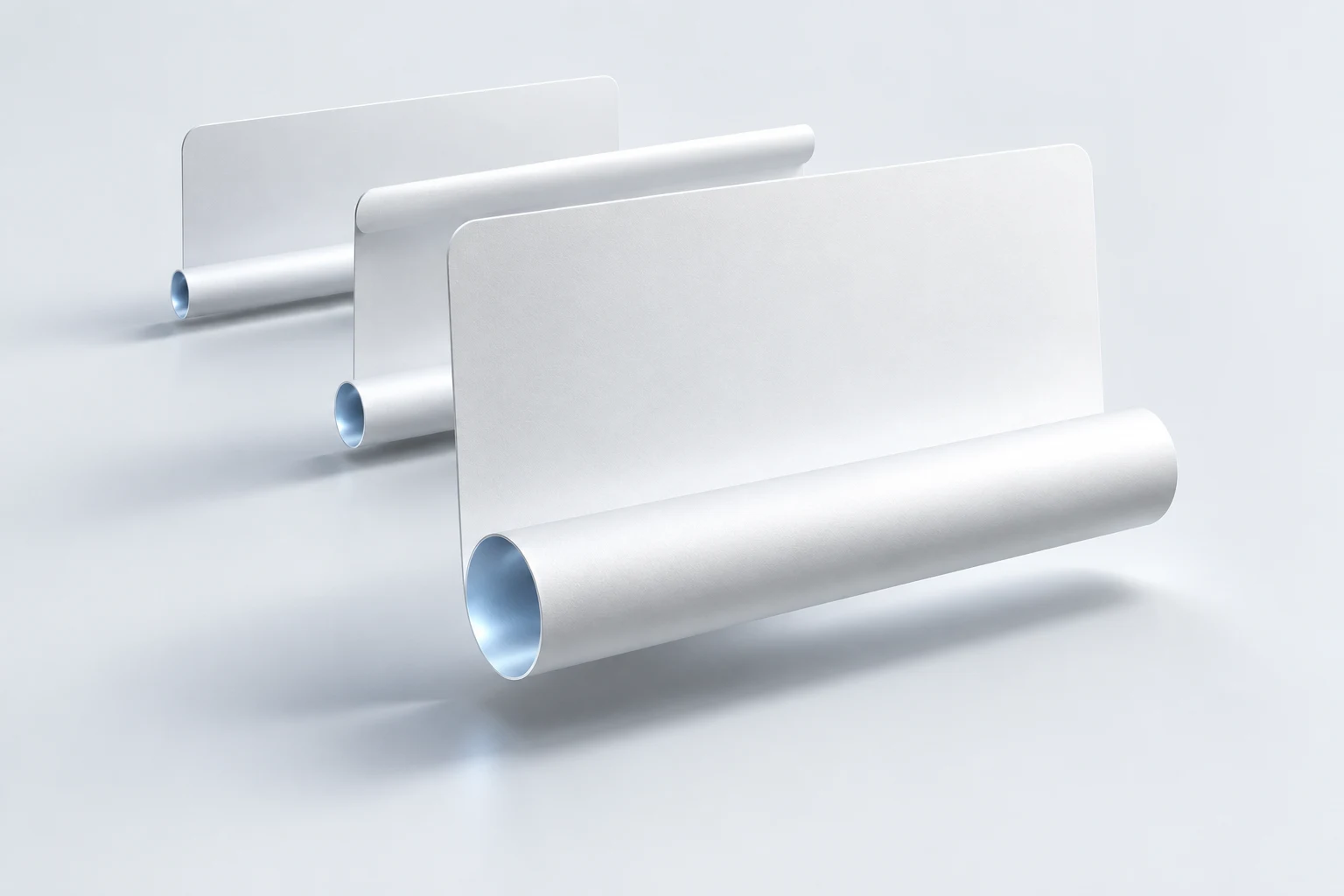
Read, write, compare. Give yourself a little room without rearranging everything around you.
A little space for the next sentence.
A good tool knows when to step aside.
Interactive illustration. Try double-clicking the Reference notes title bar.
Double-click a title bar to tuck the window away. Double-click again to carry on.
Turn a reference window into a live preview that stays on top while you work.
Arrange your rolled-up windows together, ready to find at a glance.
Your desktop folds, recedes, and softens as the lid comes down. Open it, and everything returns. A familiar gesture with a little more feeling.

Silk, Standard, or Frost. Set the trigger angle or scrub through the preview to find the touch you like.
Native settings · Preview of the new appearance. The download may look different.
Window contents stay on your Mac. They are not uploaded to the cloud.
There when you need it, leaving room for whatever you are doing.
MIT licensed. Read the source, report an issue, or help make it better.
Requires macOS 14 or later. Window shading and pinned previews do not require a lid sensor. Lid-driven effects require an Apple silicon MacBook with a lid angle sensor. Requirements vary by feature.
Accessibility is used to find, move, and restore windows. Screen Recording is used for original-appearance shades, previews, and visual effects. Frames are processed on your Mac. Screen Recording is the system permission name; it does not mean your screen is uploaded.
Double-click its shade bar, select the window in the menu bar, or use Control + Command + 1…9 to restore windows in menu order. A single click on a shade bar previews the contents.
Most ordinary desktop windows work. Full screen, Split View, Stage Manager, multiple displays, and some custom windows may have compatibility limits. Try it with your everyday apps first.
Choose Download for Mac to open GitHub Releases. Download the latest ZIP, unzip it, drag WindowShade.app to Applications, then open it and grant the requested permissions. If macOS blocks the first launch, check System Settings → Privacy & Security for its message.
No. WindowShade is free and open source under the MIT license. No subscription is needed to download or use it.
One small gesture for the Mac you already love.
Download for Mac